This article is for Procurement professionals who administer Flextribe in their organisation.
Flextribe lets Hiring Managers order consultants through a structured, compliant process - with approved suppliers, correct pricing and full governance across the whole lifecycle. Flextribe handles administration and compliance; Procurement ensures governance, supplier control, pricing discipline and contract execution.
Your responsibilities
Making sure Hiring Managers can order consultants through an approved structure
Making sure your organisation uses the correct suppliers at the agreed prices
Reviewing, approving and sharing Requests for Service
Creating the consultant and the contract once a candidate is selected
Keeping consultant details up to date and handling extensions
Where to find things
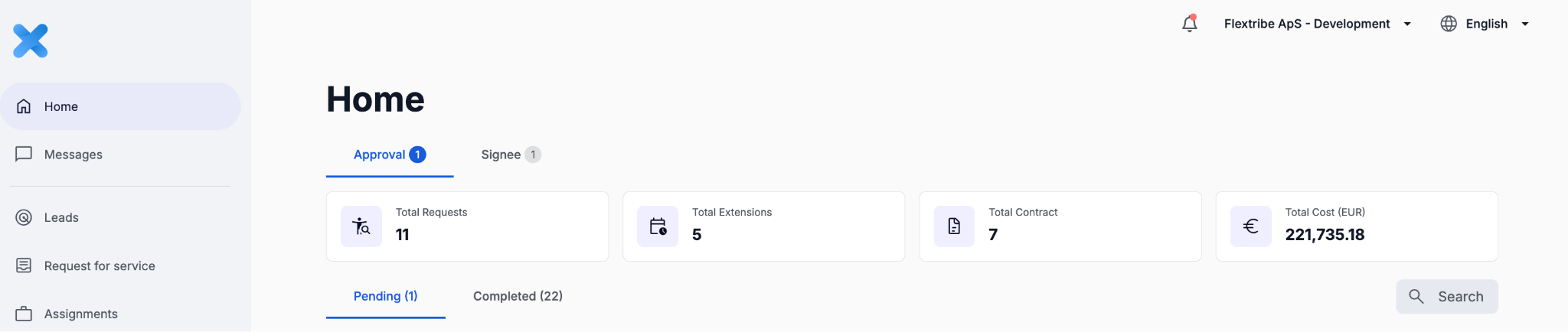
Home - everything waiting for your approval or signature, with a financial snapshot.
Request for service - all requests, split into New, In progress and Completed.
Consultants - every hired consultant, split into Not started, Current and Ended, with a consultant card for each.
Contracts - all contract documents and their status.
Framework agreements and Companies - your agreements, pricing and suppliers.
The Procurement flow, step by step
Set up a framework agreement with pricing and suppliers - see Creating a Framework Agreement.
Review and share incoming requests - see Accepting and distributing a Request for Service (RfS).
Create the consultant when the Hiring Manager selects a candidate - see Creating a consultant.
Create the contract and send it for approval and signing - see How to create a contract.
Follow and update consultants, and handle extensions - see How do I find and manage my consultants? and How do I request an extension for a consultant?.
Tools that make your day easier
Activity log - see who did what and when on every request, contract, consultant and extension. Read more
Reactivate request - bring a completed request back if a hire falls through. Read more
Add signees on the spot - create a new signee while setting up a contract. Read more
Need help?
Use the Need help? button in the bottom-right corner of the platform, or write to hello@flextribe.io. We are happy to help.
Was this article helpful?
That’s Great!
Thank you for your feedback
Sorry! We couldn't be helpful
Thank you for your feedback
Feedback sent
We appreciate your effort and will try to fix the article