Consultants, flexible requests, activity log and easier signee setup
Highlights
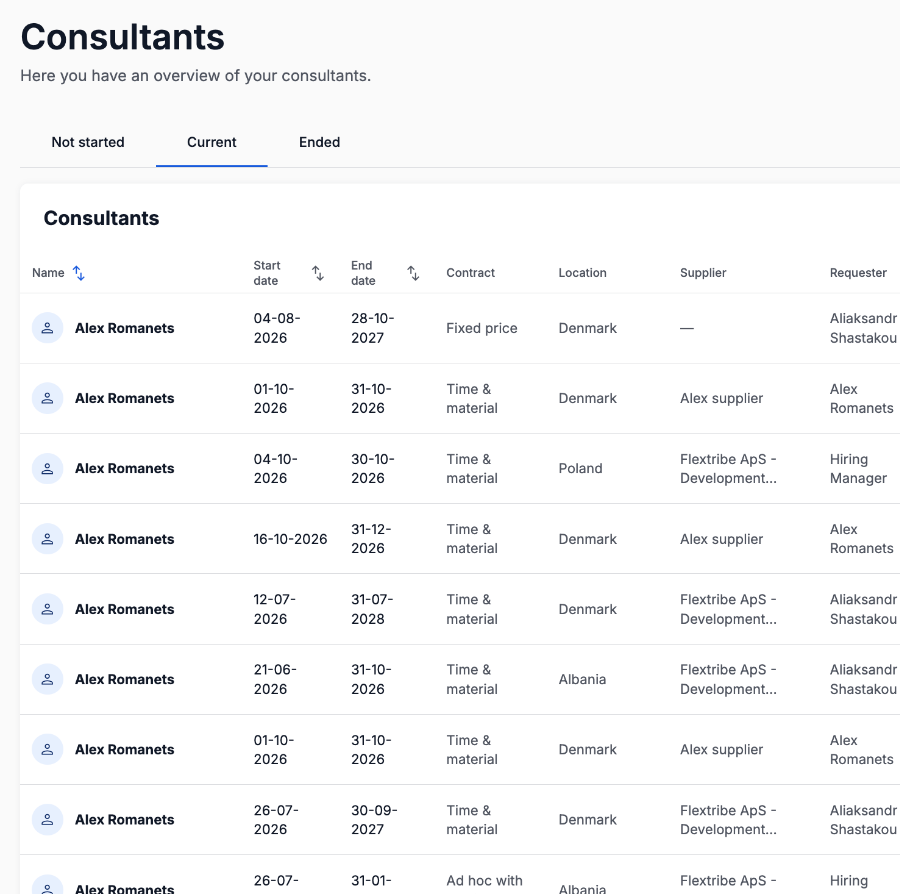
Consultants (replaces Assignments) - a new Consultants list and a full consultant card with all engagement, rate, location and contract details in one place. Affects Procurement, Hiring Managers and Suppliers.
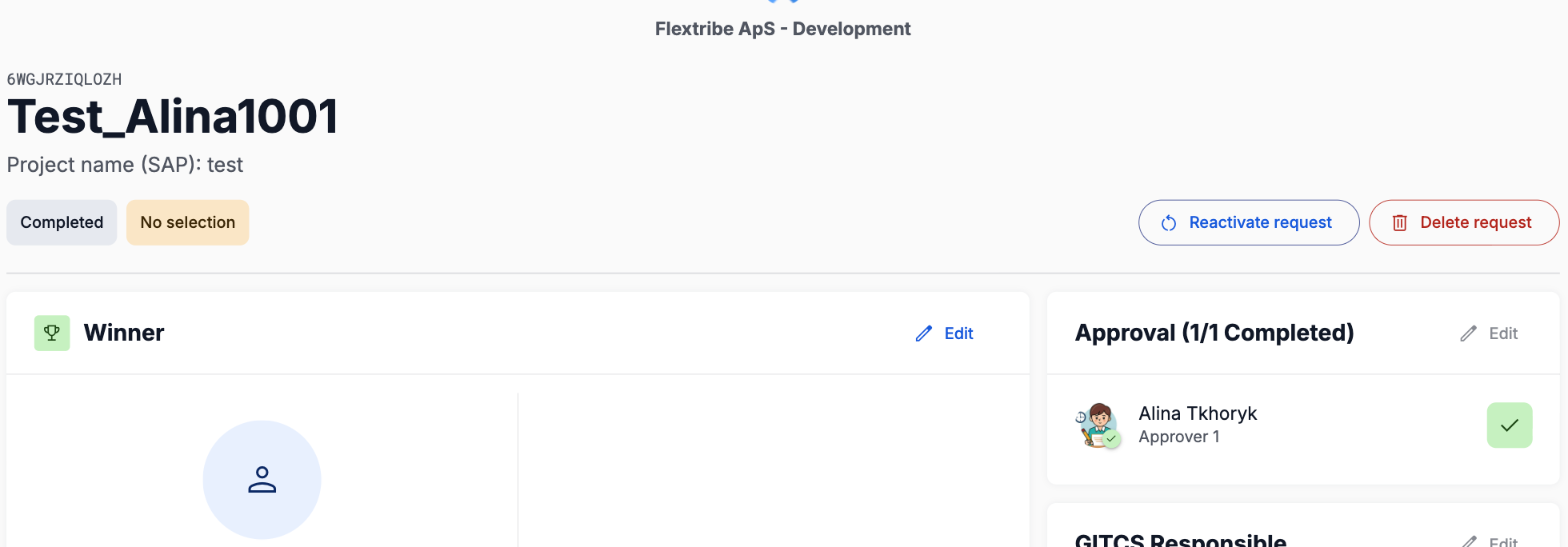
Reactivate a closed request - a completed request can be brought back and continues from where it stopped. Used by Procurement; Suppliers are notified.
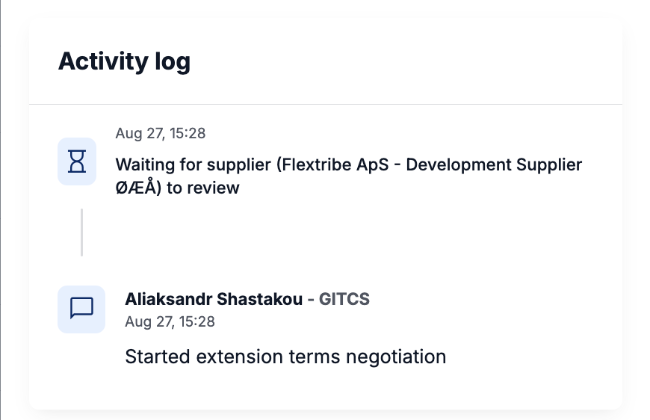
Activity log (new) - a timeline of who did what and when on requests, contracts, consultants and extensions. Visible to everyone.
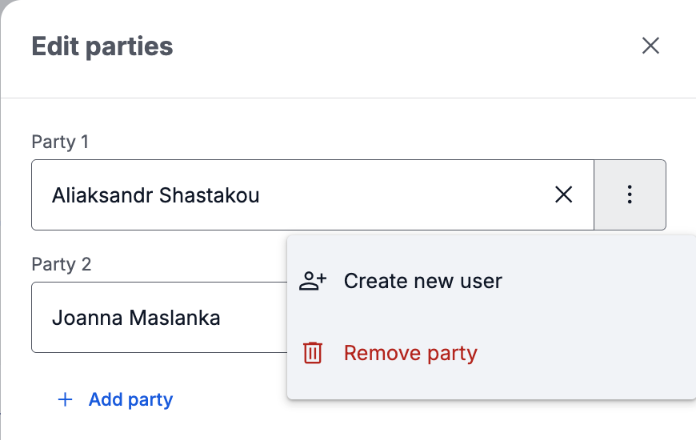
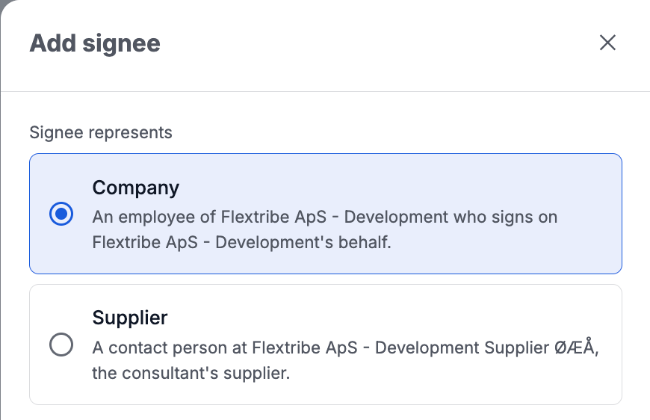
Add signees during contract creation - create a new signee on the spot, without the person being a Flextribe user first. Used by Procurement.
1. Consultants replace Assignments
What changed. The Assignments menu is replaced by Consultants. The list is split into three tabs - Not started, Current and Ended - and shows start and end date, contract type, location, supplier, requester, Procurement responsible, status and a signal.
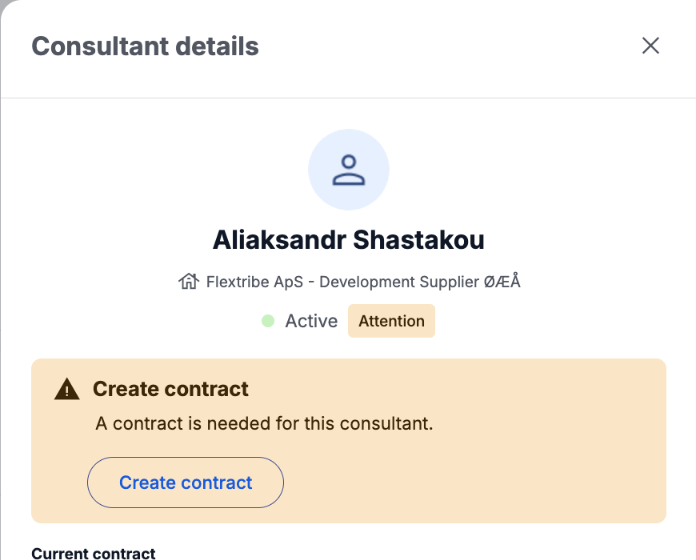
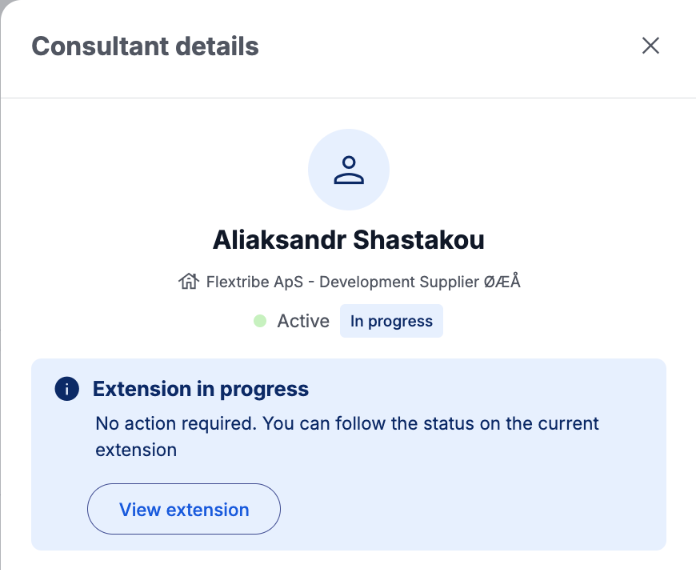
The consultant card. Click a consultant to open their card. Details that used to sit on the assignment - rate, hours, location, role, people and cost, onboarding - are now on the consultant and can be updated by Procurement at any time. The card also shows contract history, documents and the consultant's activity log.
Why it matters. You manage the person, not a separate record. Changes such as a new location or rate are made in one place and are always up to date.
What you need to do. Nothing to migrate - your existing consultants are already in the new list. Start using Consultants instead of Assignments.
2. Requests are more flexible - reactivate a closed request
What changed. A request in the Completed tab can now be reactivated with the Reactivate request button. It returns to the stage it was in before it was closed - approvals already given are kept and suppliers are notified when relevant.
Why it matters. If a hire falls through or the need comes back, you no longer have to create the request from scratch.
What you need to do. Nothing up front. Use it when you need it - see the guide How do I reactivate a closed request?.
3. Activity log
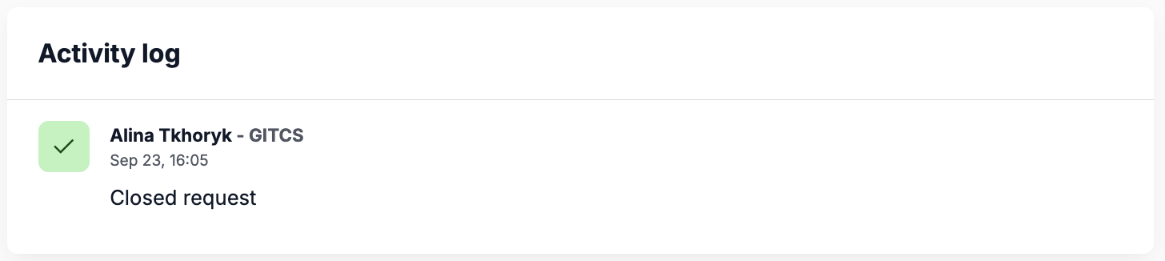
What changed. Requests, contracts, consultants and extensions now each have an Activity log. Every entry shows who did it, their role, when, and what happened - latest on top. Projects get their own log soon.
Why it matters. You can see the full story of a request or contract without asking around - who approved, who changed the signee, what it is waiting for right now.
What you need to do. Nothing - the log fills in automatically.
4. Add signees during contract creation
What changed. In the Add Signers step you can now choose Create new user, decide whether the person belongs to your Company or the Supplier, and add them as a signee right away. On a contract that is already sent, Add new signee does the same.
Why it matters. No more stopping contract creation to get a new user set up first.
What you need to do. Nothing - the option appears automatically in the contract flow.
What changes per role
Procurement - Consultants menu and an editable consultant card, actions shown as banners on the card, Reactivate request on completed requests, activity logs everywhere and Create new user when adding signees.
Hiring Manager - Consultants menu with a read-only consultant card, and activity logs on requests, contracts and consultants.
Approver - a focused activity log on the items you approve, showing only what matters for your decision.
Supplier - Consultants instead of the Assignments tab, a read-only consultant card with banners (for example Review extension terms), and notifications when a request is reactivated or a candidate moves.
B2A customers - no change - Assignments stay as they are.
Read the full guides
Need help?
Use the Need help? button in the bottom-right corner of the platform, or write to hello@flextribe.io. We are happy to walk your team through the changes.
Was this article helpful?
That’s Great!
Thank you for your feedback
Sorry! We couldn't be helpful
Thank you for your feedback
Feedback sent
We appreciate your effort and will try to fix the article