This article explains how Procurement reviews a new Request for Service (RfS) from a Hiring Manager and shares it with suppliers.
Step 1 - Find the request
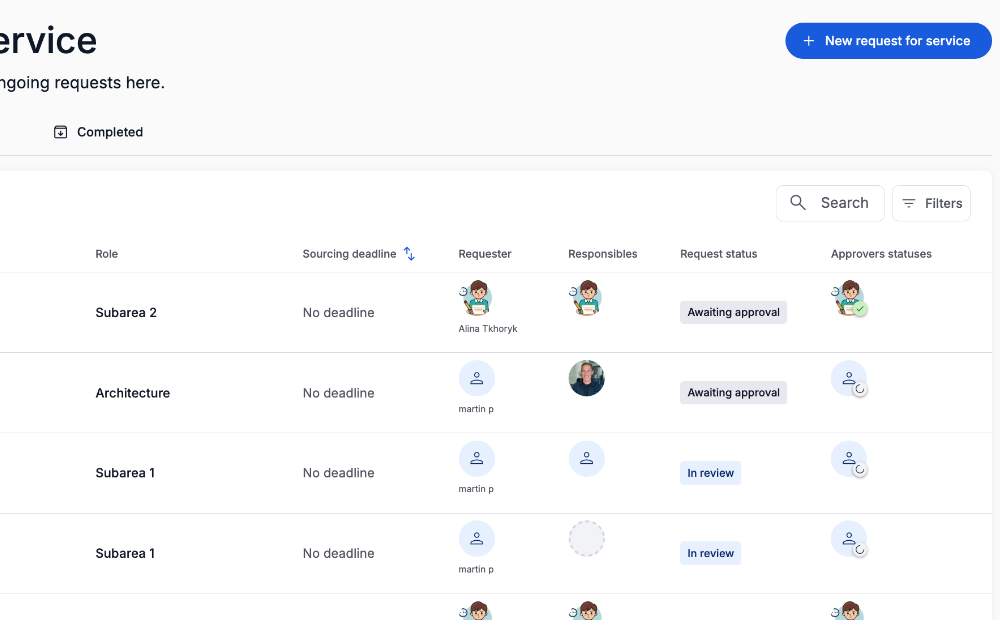
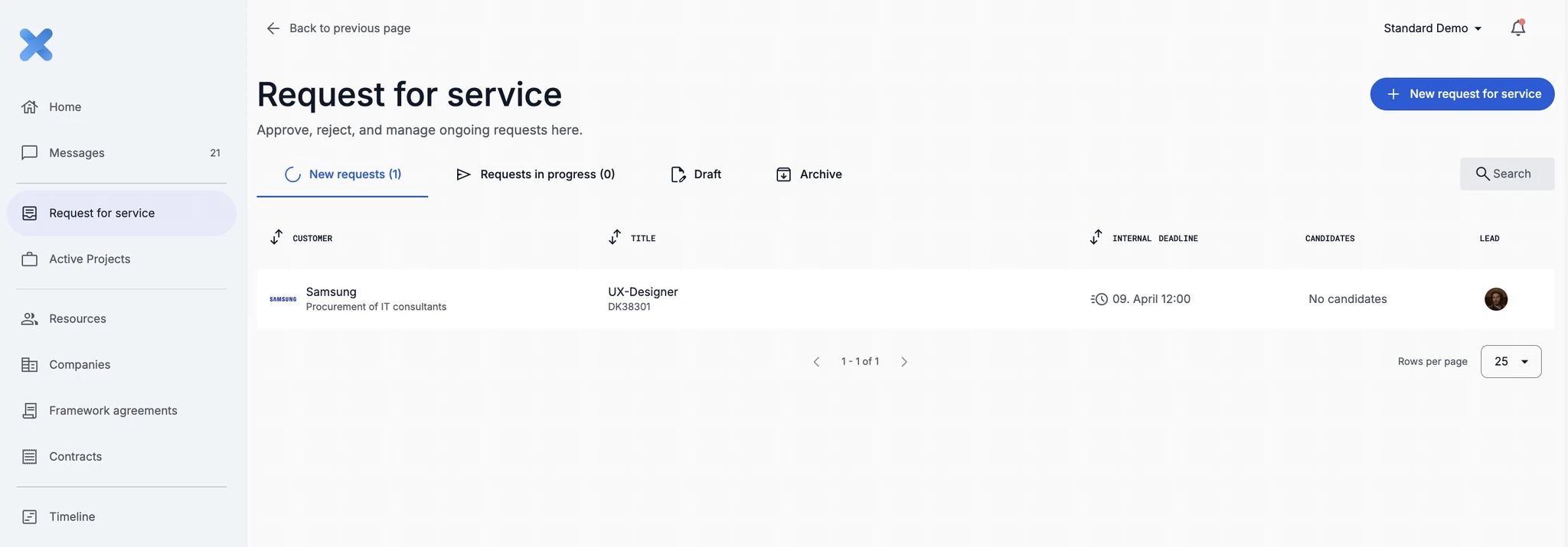
Go to Request for service. New requests are in the New tab, with their status shown in the list - for example In review or Awaiting approval.
Step 2 - Review the request
Open the request and check the scope of work, timeline, contract type, competency requirements and the framework agreement it falls under. This makes sure the request is complete, compliant and ready to be shared.
Step 3 - Choose the suppliers
Go to the Shared with section of the request. You see every supplier under the framework agreement and decide who receives the request:
Tick the suppliers you want to include
Untick suppliers you do not want to involve
Click Share Proposal, then Send email. The status of each selected supplier changes from Not shared with to Shared with.
Step 4 - Approve and share
In the centre of the screen, click Approve & Share. The request is formally approved according to your governance flow, the selected suppliers are notified, and the request moves on to Awaiting candidates - suppliers can now nominate candidates within the deadline.
If your organisation uses approvers, the request waits as Awaiting approval until they have approved it. Approvers find it on their Home dashboard.
Good to know. Reviewing, sharing and every approval are recorded in the request's activity log. If a request is closed and the need comes back, you can reactivate it instead of starting over. |
Why this process matters
The review flow keeps all incoming requests in one place, so your team can prioritise and act quickly - with full transparency and accountability.
Read next
Need help?
Use the Need help? button in the bottom-right corner of the platform, or write to hello@flextribe.io. We are happy to help.
Was this article helpful?
That’s Great!
Thank you for your feedback
Sorry! We couldn't be helpful
Thank you for your feedback
Feedback sent
We appreciate your effort and will try to fix the article