This article explains what it means when your External Proposal is not selected and how to view the final status in the platform.
If your nominated candidate has not been chosen for the assignment, the status of your proposal will be updated accordingly once the evaluation process is complete.
When a final decision is made, it will move from Pending Proposals to Archive and marked as Lost, indicating that the process has been closed.
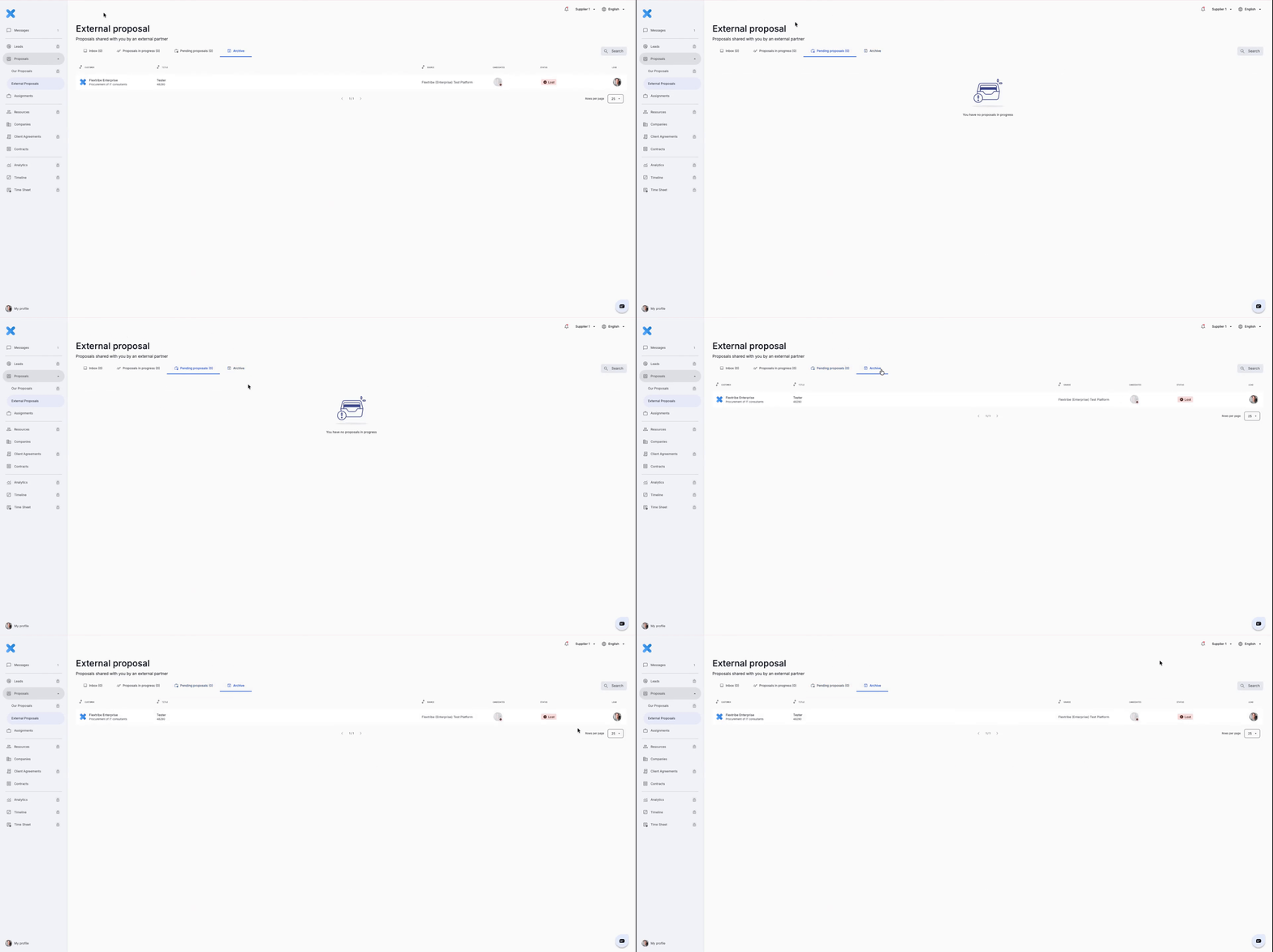
To access the finalized proposal:
Navigate to “External Proposals” in the left-hand menu.
Select the Archive tab.
Open the relevant proposal.
Review the final status displayed next to your nominated candidate.
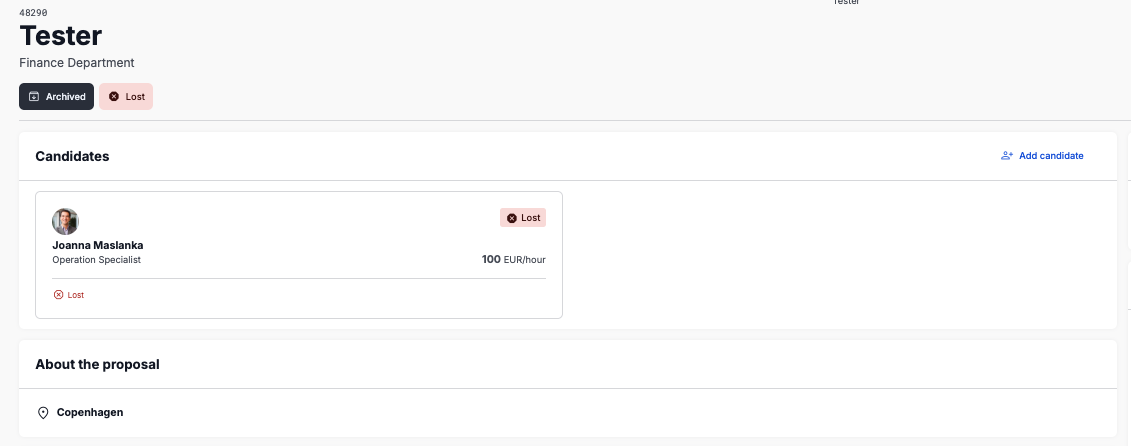
The Archive section contains all finalized External Proposals, including both successful and non-selected submissions.
Written for Freemium suppliers. Paying customer? Reach out to hello@flextribe.io.
Was this article helpful?
That’s Great!
Thank you for your feedback
Sorry! We couldn't be helpful
Thank you for your feedback
Feedback sent
We appreciate your effort and will try to fix the article