This article explains the Post Hiring flow and how to navigate the Assignment Phase.
From Proposal to Assignment
When your candidate is selected, the process does not end. The proposal transitions into an active engagement, where the assignment is formally documented, the collaboration status is visible, and all relevant information is gathered in one place.
This ensures that the agreement reached during the proposal phase is clearly reflected in the ongoing assignment, without relying on scattered email confirmations.
Instead of relying on email confirmations and scattered documentation, everything remains structured and traceable within the platform.
Where to find your assignments
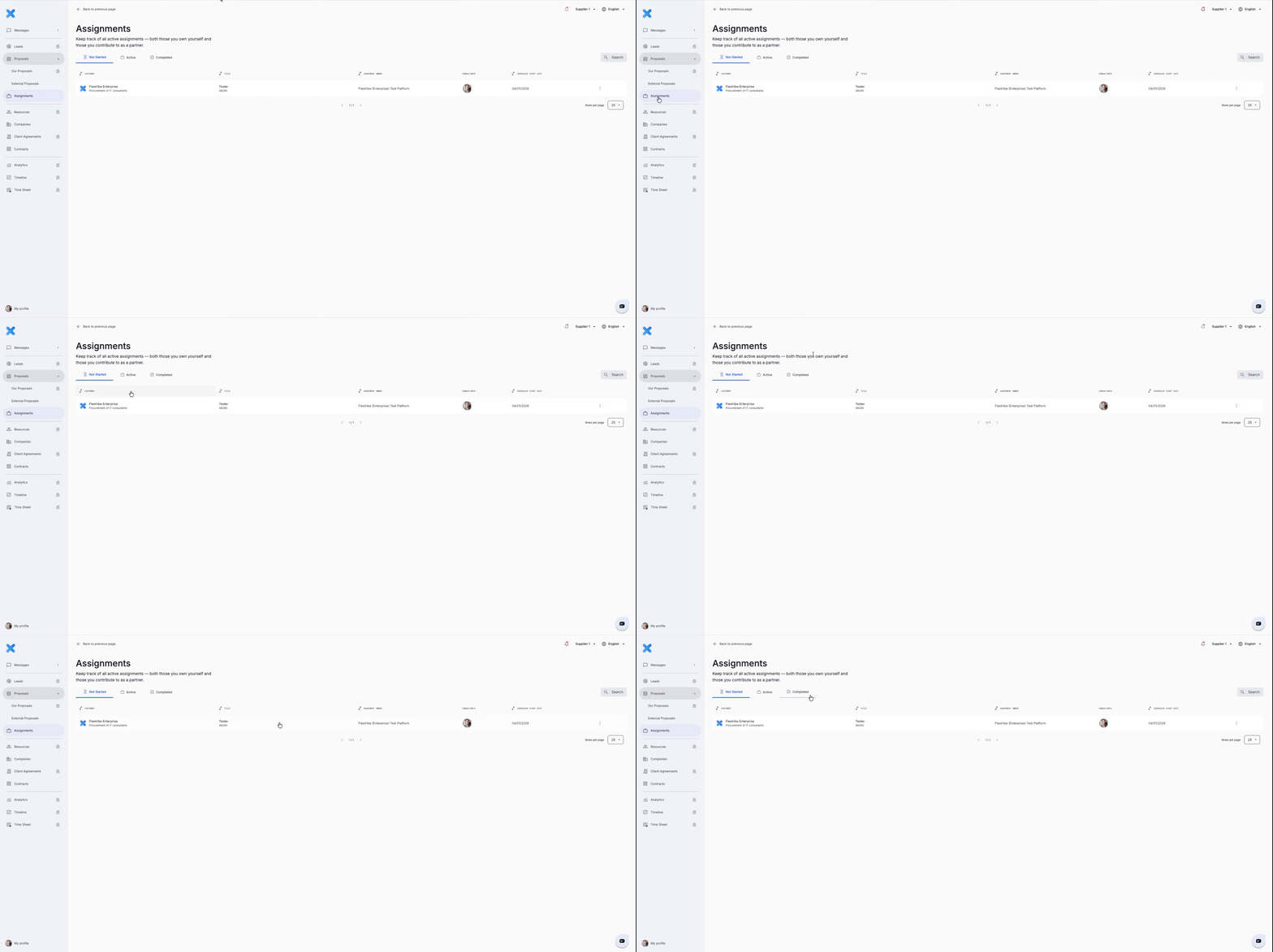
Open the left-hand menu and click Assignments. Work is grouped into three stages: Not Started, Active and Completed.
Not Started - confirmed assignments where the candidate has been chosen and the contract is signed, but the official start date is in the future. Use this stage to check starter details and prepare onboarding.
Active - live assignments where the start date has passed and the consultant is working on the engagement. You can see current status, track timeframes, check extension options and access operational documents.
Completed - assignments that have finished. The assignment period has ended and the engagement is closed. Completed assignments are kept for reference.
Everything in One Place
What you will see inside an assignment
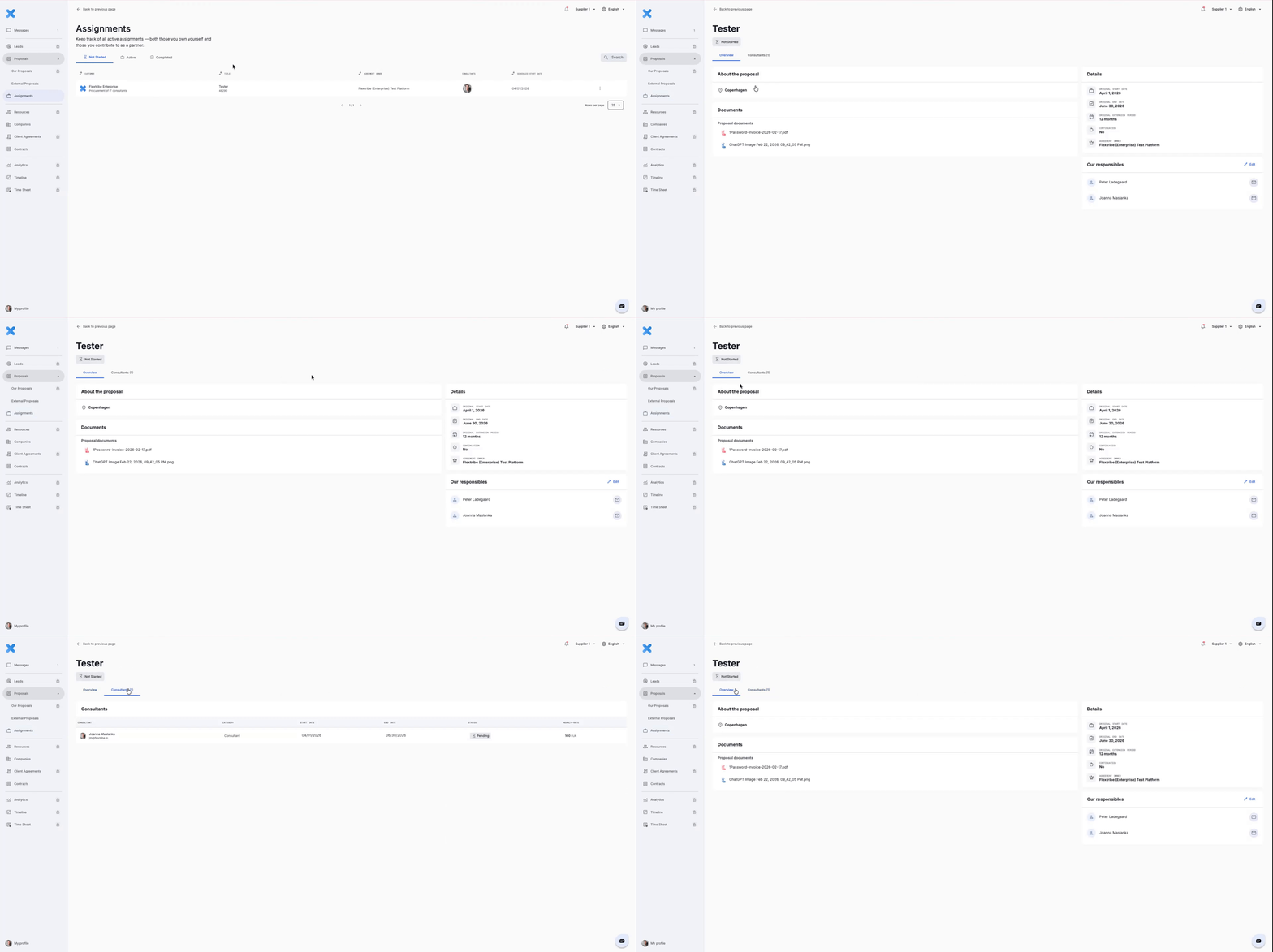
Each assignment record stores everything you need in one place:
Who the consultant is.
Start date, end date and total duration.
The responsible contacts.
Agreed rate, billing unit (hour or day).
Attached documents.
Assignment statuses
After a candidate is chosen, the assignment first appears with status Pending while the contract is prepared and finalised. Once the contract is approved, the assignment moves to Not Started, and then to Active on the agreed start date.
Pending - the selection is confirmed but the contract has not yet been created or signed. No onboarding or time registration should start in this state.
Not Started - the contract is in place and the assignment is confirmed, but the official start date is still in the future. Use this period to complete any onboarding tasks.
Active - the start date has arrived and the consultant is working on the assignment. Time, deliverables and administrative steps are now tracked against the assignment.
No scattered communication.
No lost documents.
No uncertainty about versions or agreements.
The entire journey, from proposal to active collaboration, is connected and traceable in one place.
Once assignments are in place, the final step in the whole process is the Post Hiring contract creation.
Written for Freemium suppliers. Paying customer? Reach out to hello@flextribe.io.
Was this article helpful?
That’s Great!
Thank you for your feedback
Sorry! We couldn't be helpful
Thank you for your feedback
Feedback sent
We appreciate your effort and will try to fix the article