This article explains what happens after you nominate a candidate for a proposal and how the evaluation process works inside the platform.
After clicking “Nominate candidate”, the platform will confirm that your submission has been received.
You will receive:
A confirmation message
The candidate listed under the relevant External Proposal
A status indicator (typically “Nominated”)
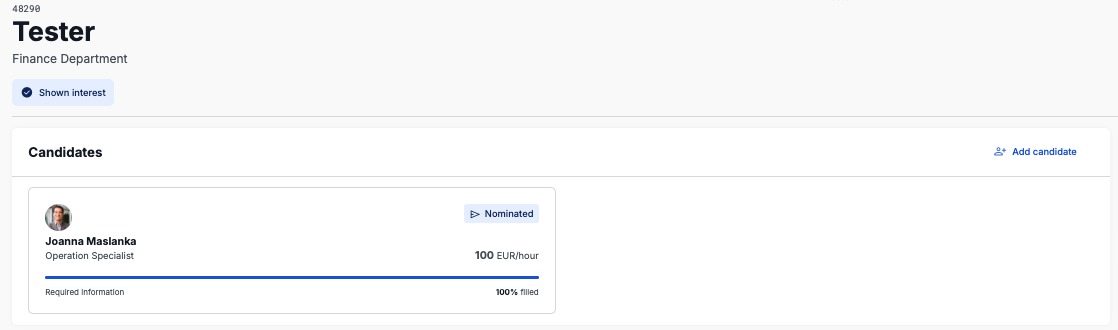
At this stage, your submission is formally registered and visible to the requesting organisation ,whether it is an Enterprise hiring directly or an Agency managing the process on behalf of a client.
Important: Nomination Deadline
Candidates can only be nominated before the proposal deadline.
Submitting well before the deadline ensures your candidate is properly considered.
Once the deadline is reached:
New nominations are no longer possible
Edits to submitted candidates are locked
The proposal moves into the evaluation phase
Deadlines are clearly visible inside each External Proposal and in your overview under:
Left-hand menu → External Proposals
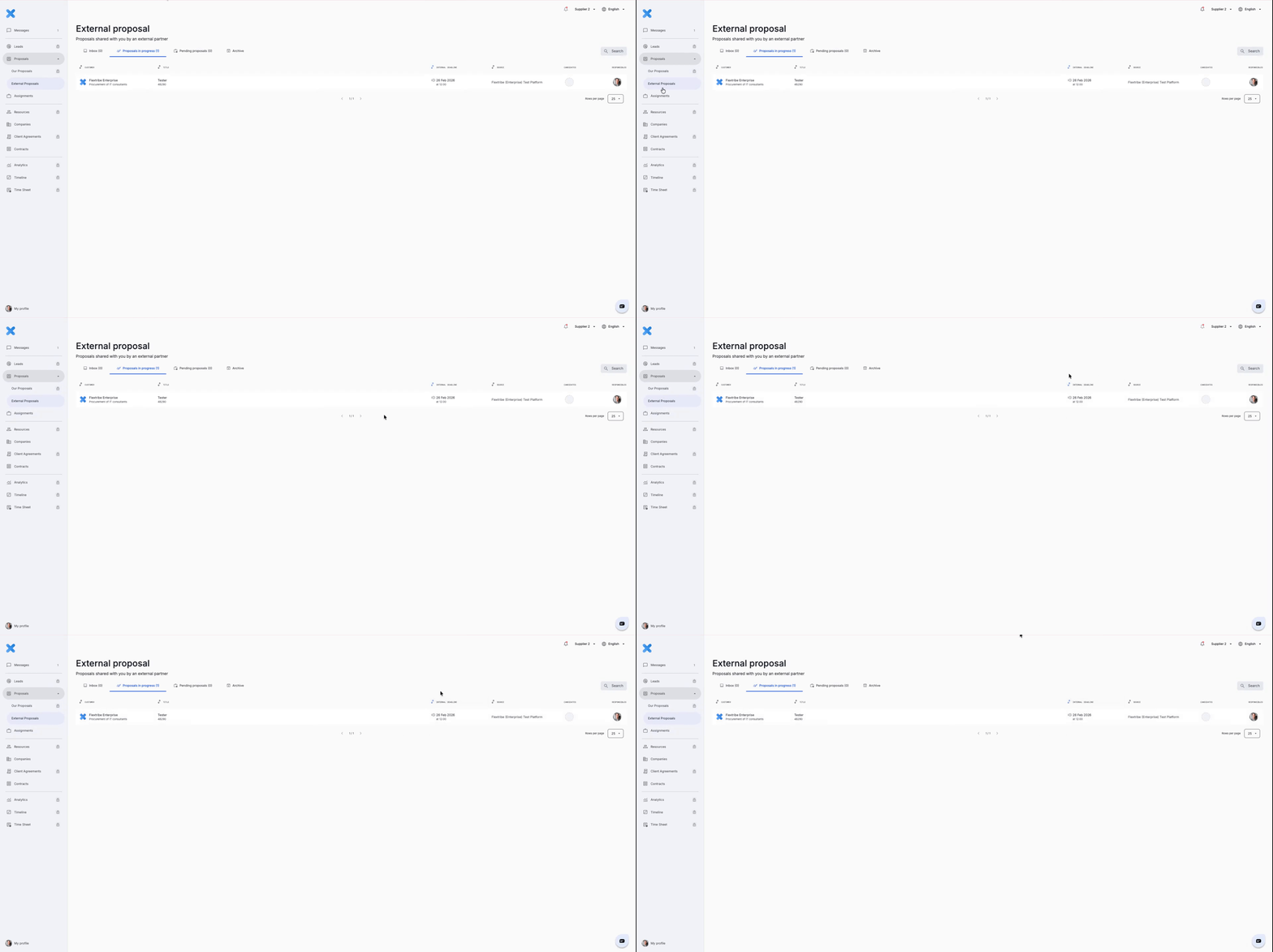
Once the submission deadline has passed, the enterprise begins reviewing all nominated candidates.
This may include:
Hiring manager review
Internal stakeholder alignment
Procurement or compliance checks
Budget confirmation
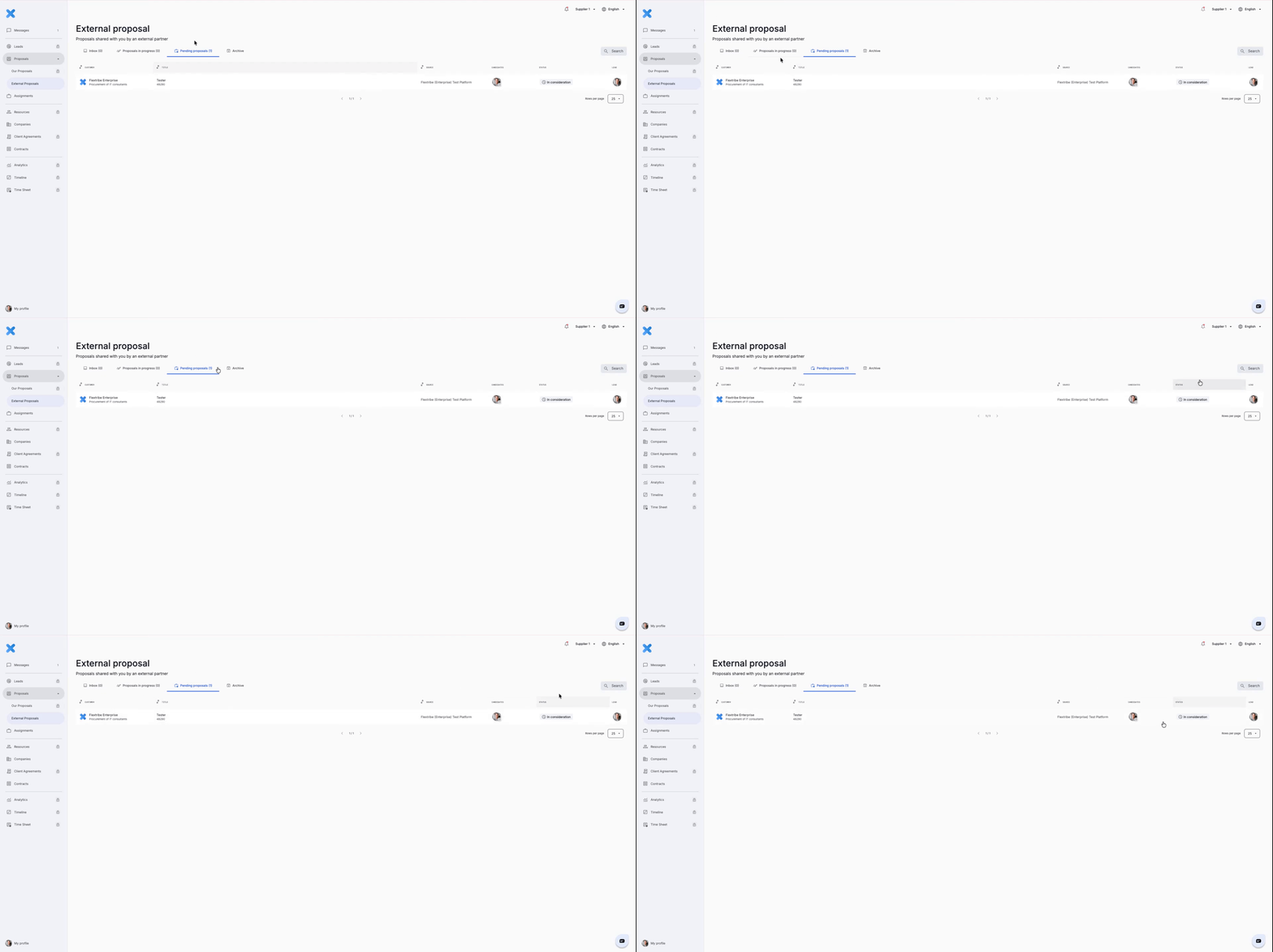
During the evaluation phase, the client reviews all submitted candidates. If your candidate is shortlisted, you will be contacted or see a status update directly in the platform.
If your cadidate has been shortlisted, your status will change into - in consideration. You can track the process under External proposal - pending proposals.
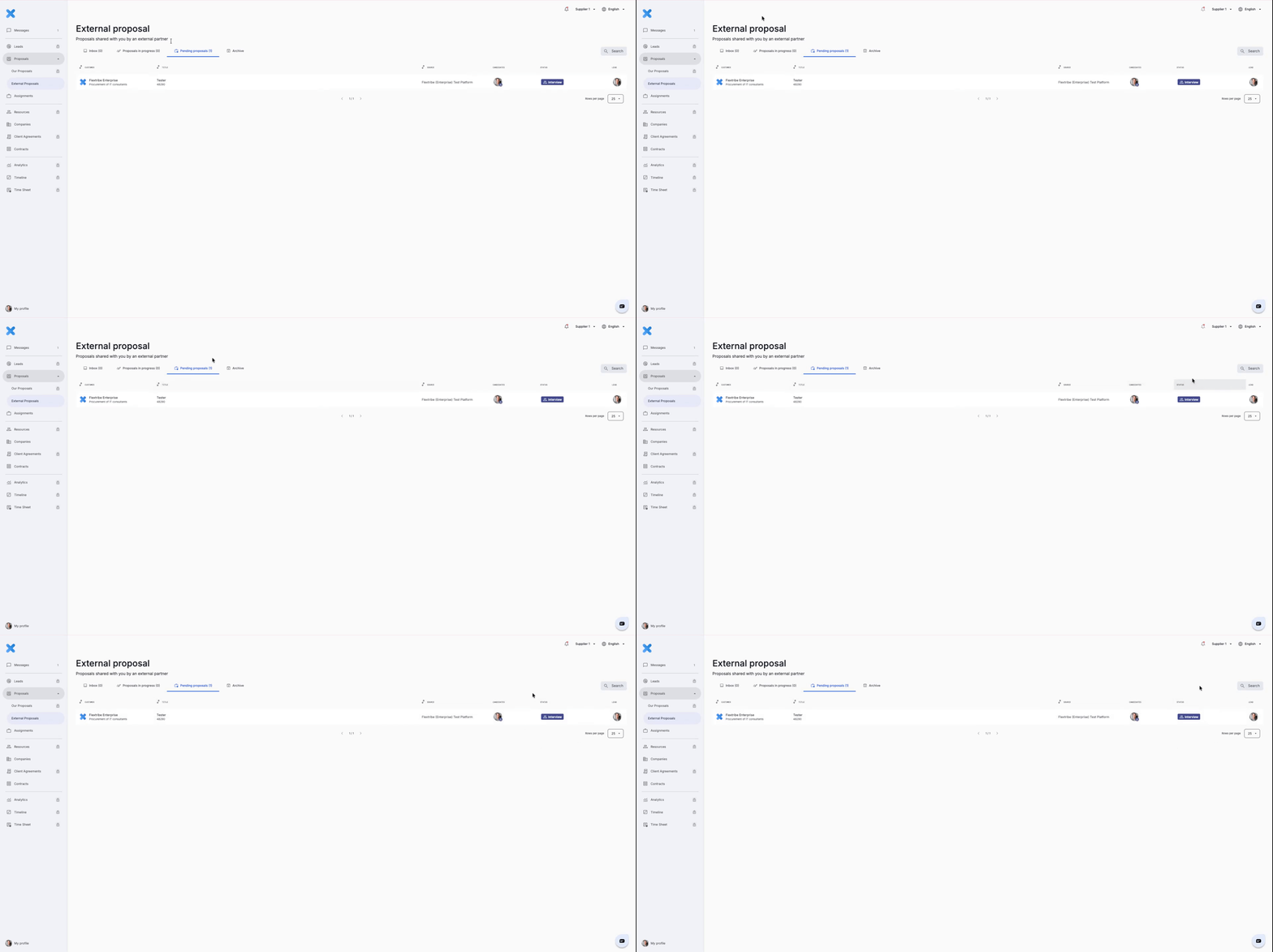
If your nominated candidate is moved to Interview Stage, it means the enterprise has selected the profile for further evaluation.
At this point, the candidate is considered relevant and aligned with the assignment requirements.
You may be asked to:
Confirm availability for interview time slots
Provide additional information if required
Coordinate directly with the candidate to ensure readiness
To view the update:
Navigate to “External Proposals” in the left-hand menu.
Open the relevant request.
Review the updated status next to your nominated candidate.
All communication and status changes are handled within the system, ensuring a consistent and transparent process.
Written for Freemium suppliers. Paying customer? Reach out to hello@flextribe.io.
Was this article helpful?
That’s Great!
Thank you for your feedback
Sorry! We couldn't be helpful
Thank you for your feedback
Feedback sent
We appreciate your effort and will try to fix the article