This article explains the Post Hiring flow and how to navigate the Contract Phase.
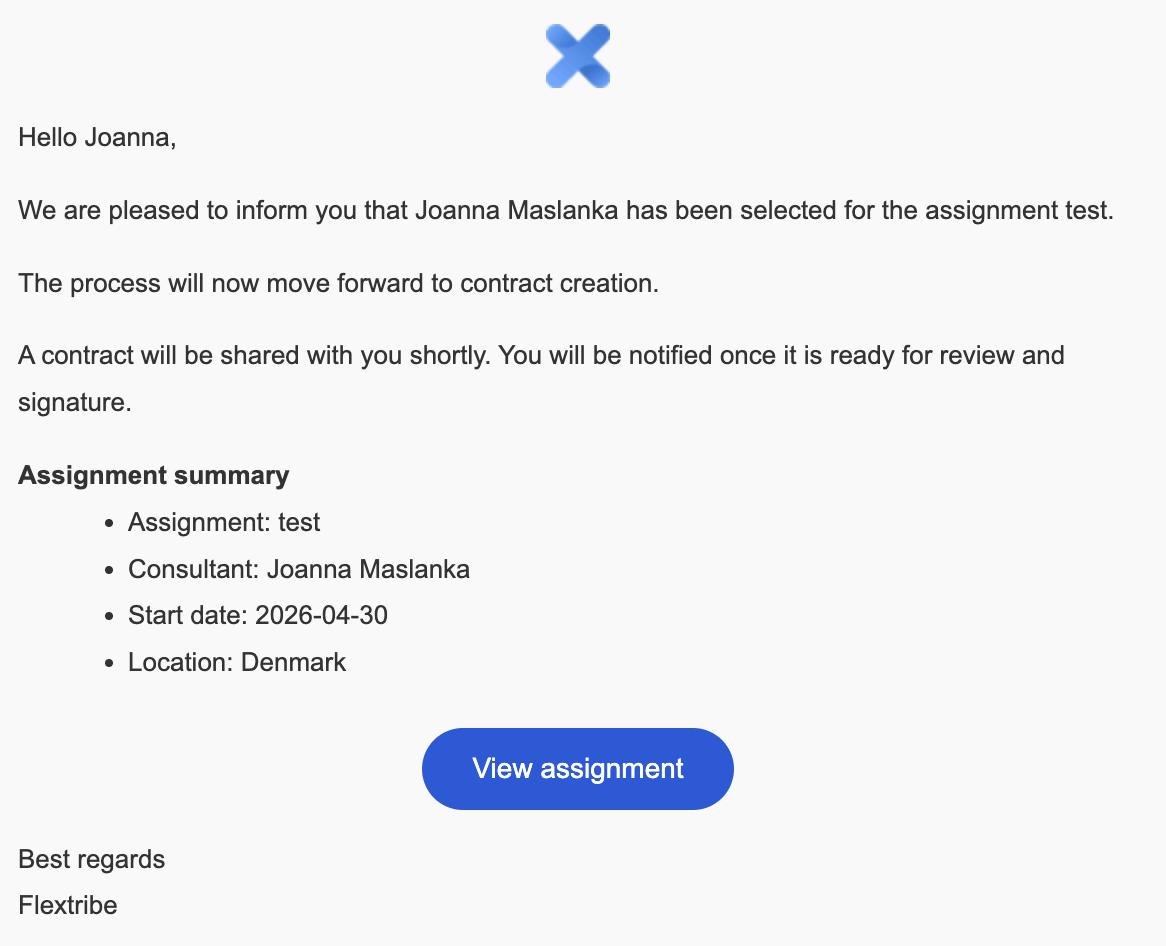
Contracts are the formal agreements that turn a selected candidate into a live assignment. The contract is reviewed and signed by the authorised parties before the assignment becomes active.
You can watch the contract signing walkthrough here:
Signing process
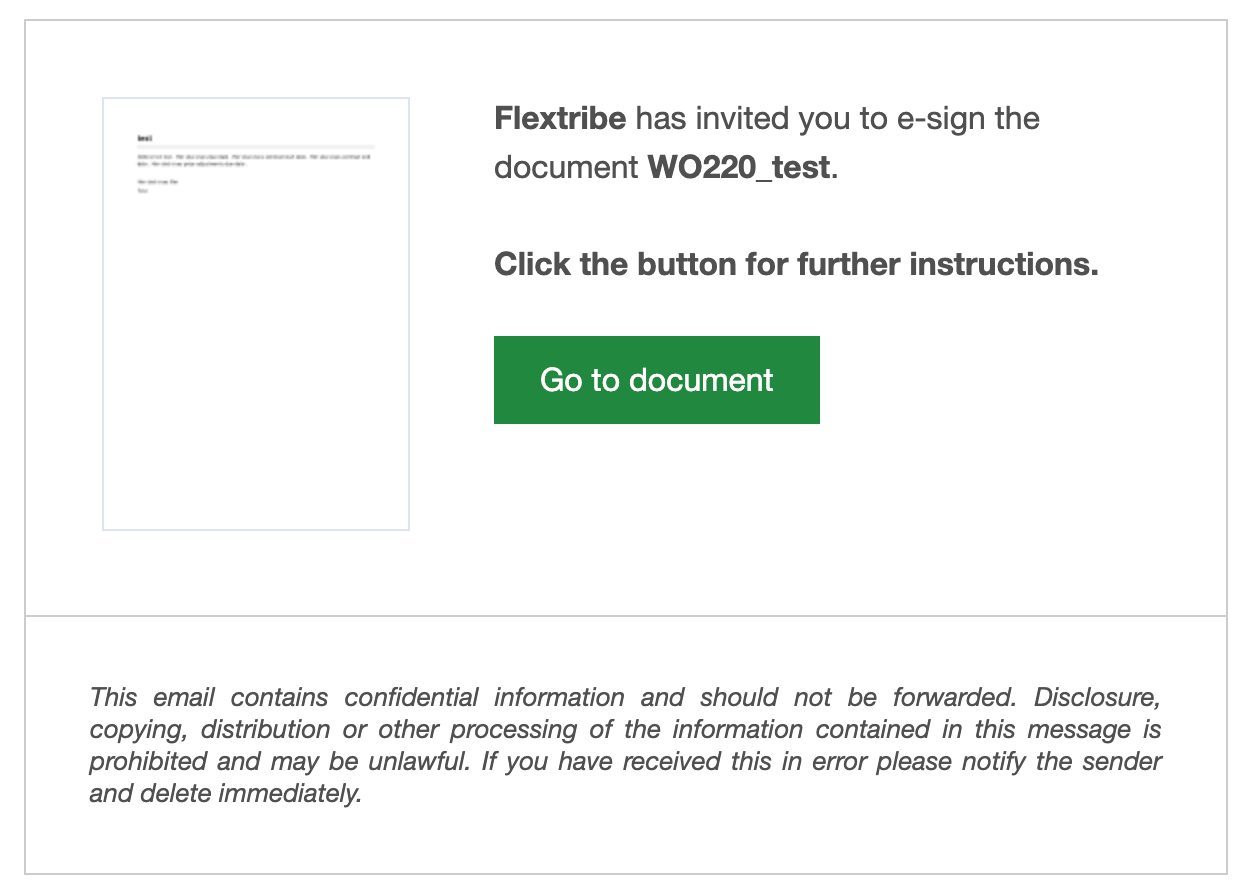
When the contract is ready, supplier signers receive an email notification to review and sign. The platform supports digital signatures that are applied to every page of the PDF. You can sign through the link in the email notification.
Confirmation and access
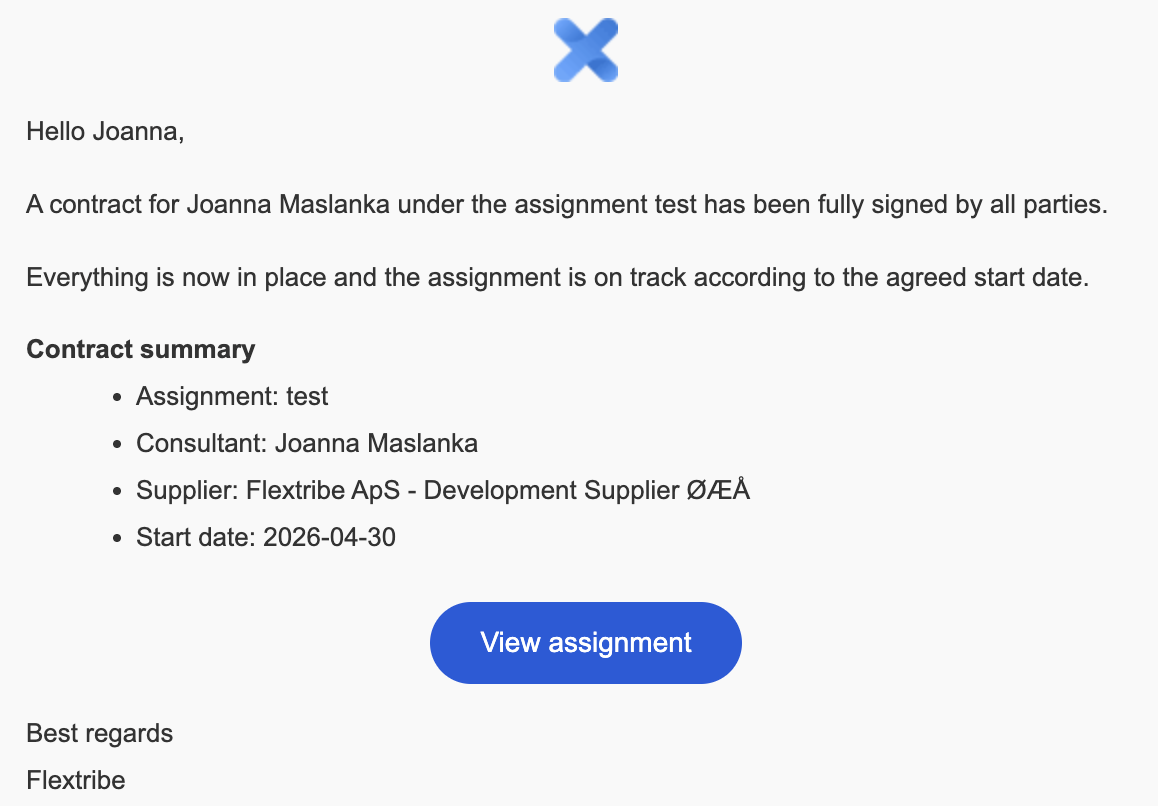
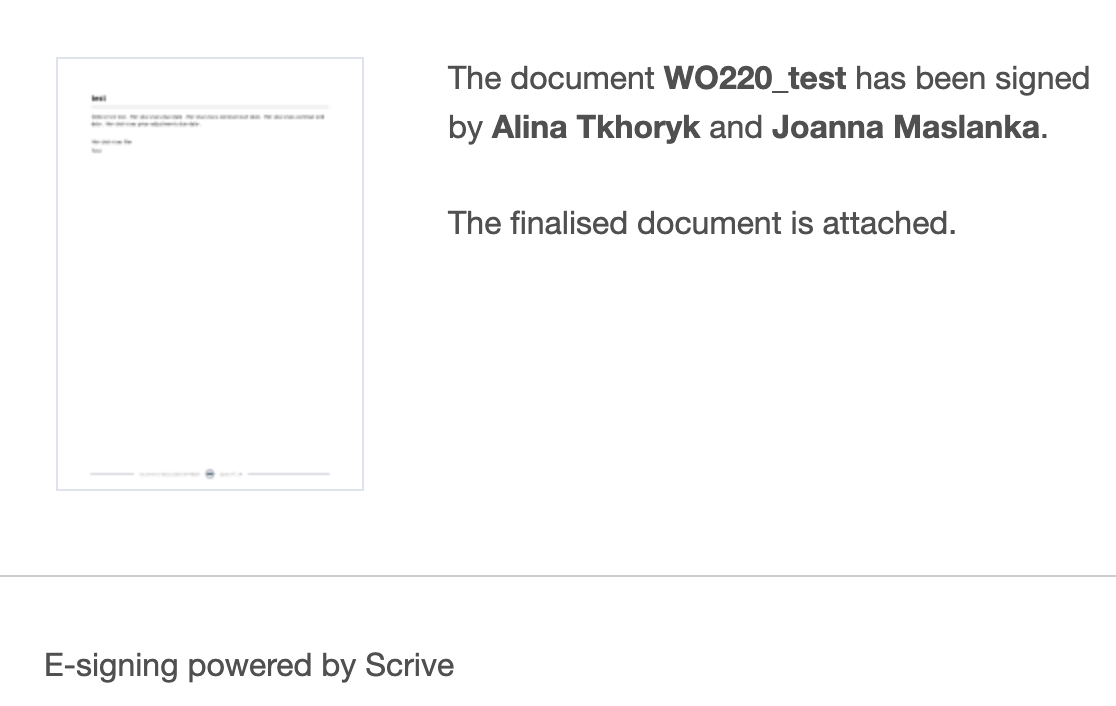
After signing, the platform sends confirmation emails and updates the contract status to Signed or Active. Both client and supplier signers typically receive a confirmation email with the finalised document attached. You can always access the contract from the email, for future references.
Document ID and legal verification
Every signed contract includes a unique document ID and embedded signature verification to demonstrate authenticity. The ID and the signed PDF together provide legal evidence of the agreement. Download and store the signed contract in your own records and note the unique document ID for verification.

Supplier checklist
Review the contract carefully before signing - check rate, hours, start and end dates, and scope.
Sign via the platform link and confirm you receive the signed PDF and confirmation email.
Download and store the signed contract and note the unique document ID.
If any details differ from the approved assignment (rate, dates or scope), contact the responsible owner immediately rather than signing.
Written for Freemium suppliers. Paying customer? Reach out to hello@flextribe.io.
Was this article helpful?
That’s Great!
Thank you for your feedback
Sorry! We couldn't be helpful
Thank you for your feedback
Feedback sent
We appreciate your effort and will try to fix the article