This article explains how to get started and position yourself for success after being invited to Flextribe.
Being invited to Flextribe means you are already considered a relevant supplier for specific client needs. Instead of spending time on outreach and lead generation, you gain access to structured Proposals from Enterprises that are actively looking for expertise.
A complete and accurate profile:
Ensures smooth communication with enterprise clients
Creates a professional and credible first impression
Makes it easier for clients to recognise and contact you
Strengthens trust when nominating candidates
When you nominate a candidate, your company information and profile details are visible to the enterprise. Clear and professional presentation increases confidence in your submissions.
To make the most of this, it is important to position yourself correctly from the beginning.
The first step is to complete your profile so it accurately reflects your expertise. After logging into the platform, click on your profile icon in the left-hand menu and go to “Your Profile.”
Click your Profile Icon in the left-hand menu.
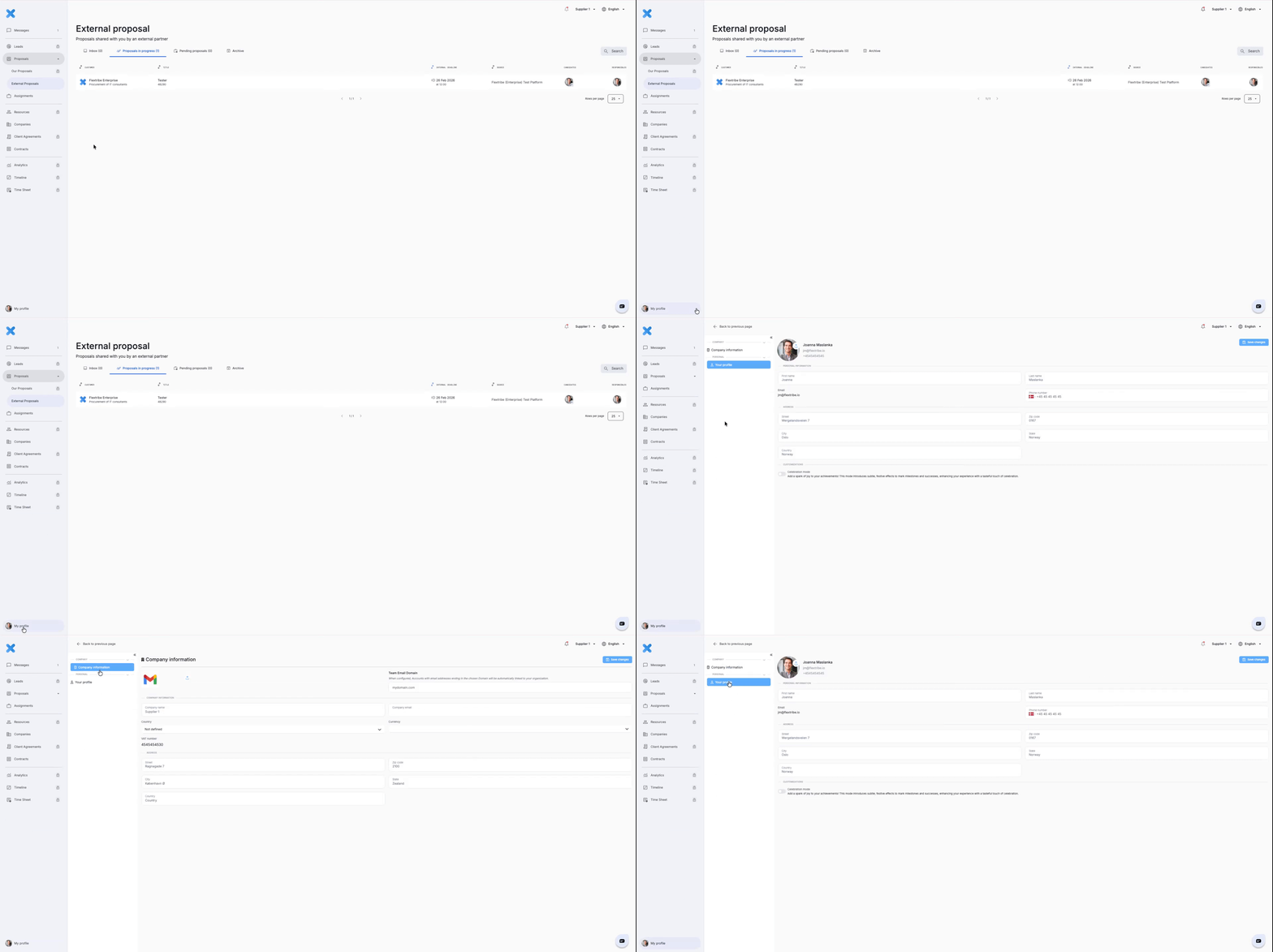
Review and update:
Company description
Contact details
If applicable, upload a professional profile picture.
Your profile picture appears when you interact with enterprises, including when submitting candidates to External Proposals.
When you nominate candidates, your profile image may be visible to the enterprise, reinforcing trust and professionalism.
Your profile picture should:
Be high quality
Present you in a professional context
Clearly show your face
Align with your company’s professional standards
This small detail can positively influence how your nominations and communications are received.
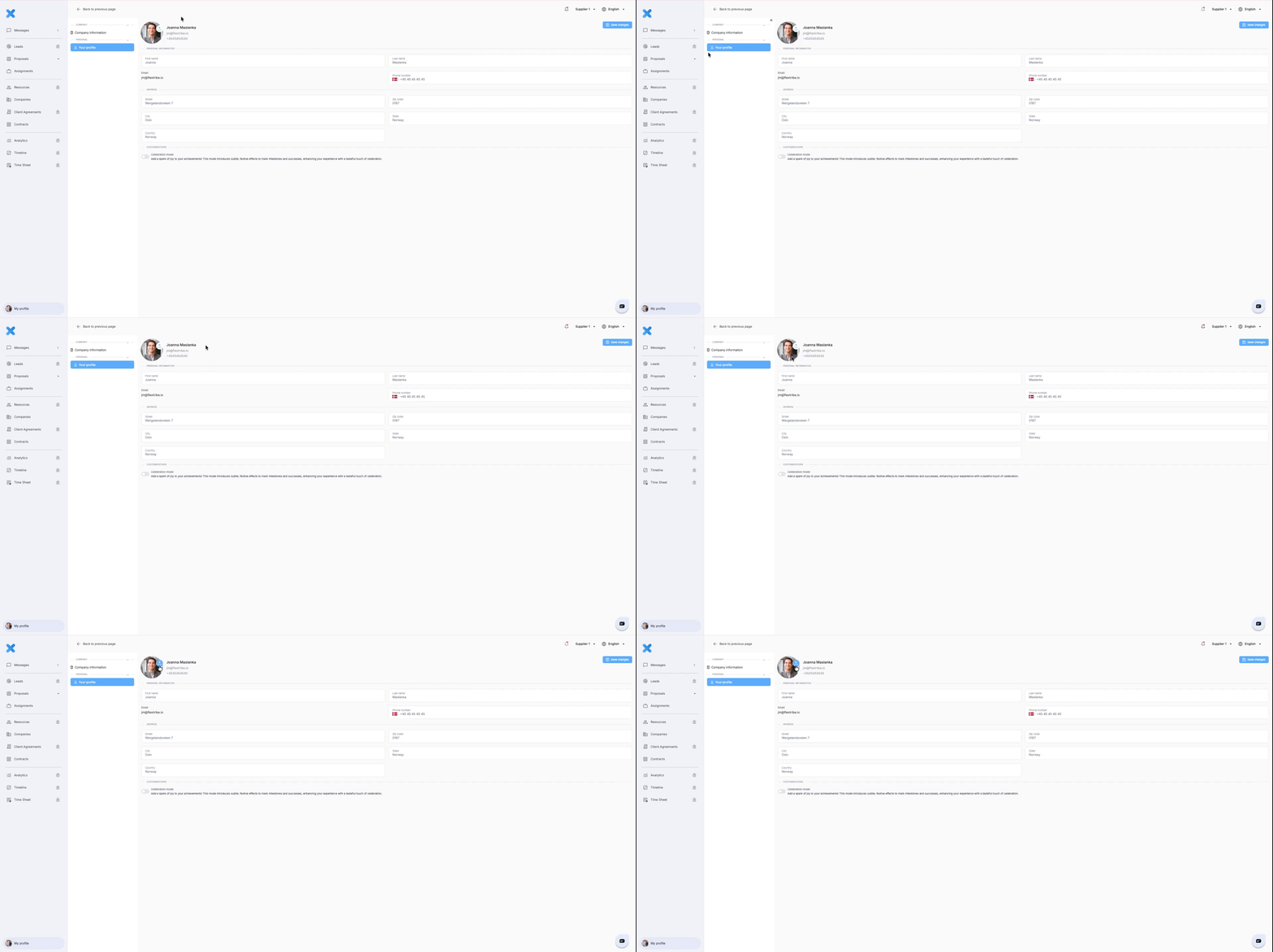
Review and ensure the following details are accurate and up to date:
Full name
Full address
Phone number
Click “Save changes” once complete.
Once your profile is complete, you are ready to engage with External Proposals.
Written for Freemium suppliers. Paying customer? Reach out to hello@flextribe.io.
Was this article helpful?
That’s Great!
Thank you for your feedback
Sorry! We couldn't be helpful
Thank you for your feedback
Feedback sent
We appreciate your effort and will try to fix the article